
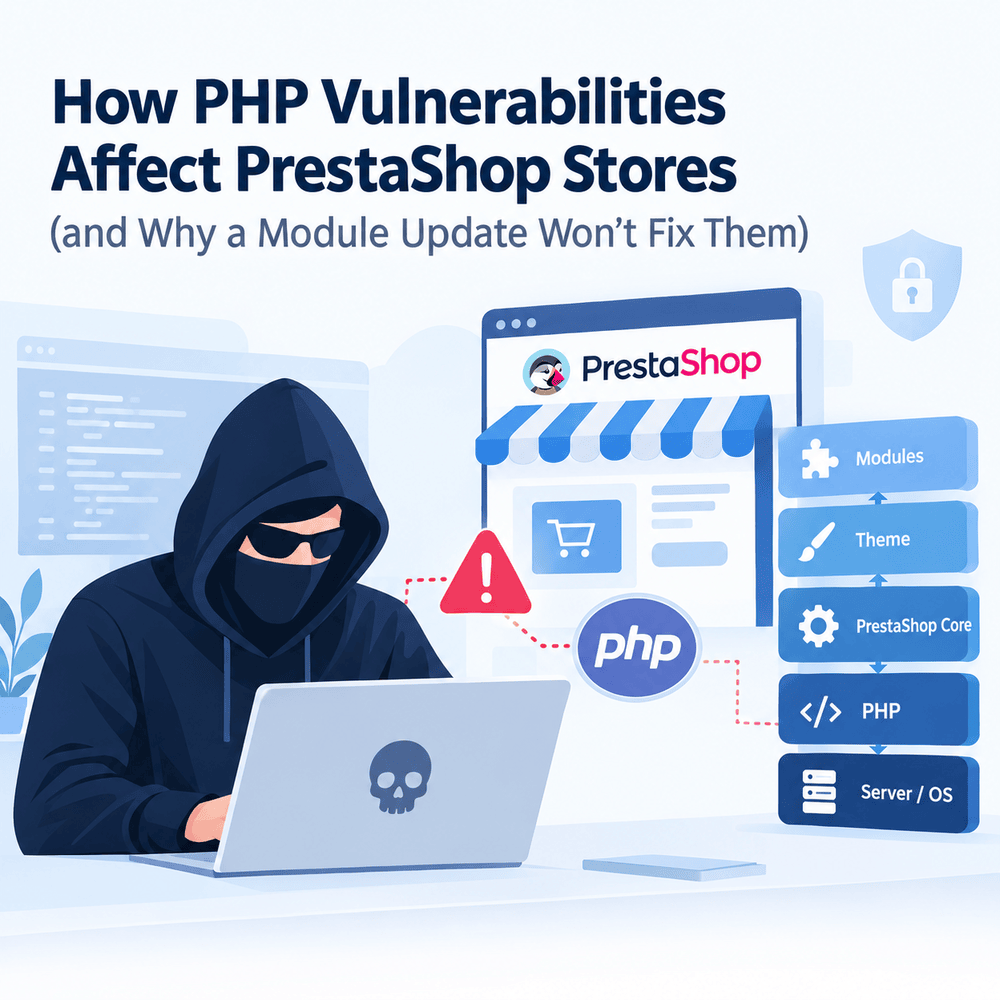
This vulnerability in PHP affects PrestaShop websites since all processes that take place inside the website, such as page creation, the cart process, and checkout, are handled via PHP. In case there is something wrong with the engine, the site acquires the problem. The problem being below PrestaShop, upgrading anything does not help. Only the PHP update on the server closes it.
That’s hard to accept, because almost every other security warning a merchant gets ends with “click Update.” This one doesn’t. Two vulnerabilities, CVE-2026-109618 and CVE-2026-109619, have been fixed by the PHP project team on 21 October 2026. These vulnerabilities have a score of 9.2 on the CVSS v4.0 scale and can allow for remote code execution without authentication, according to an official statement from PHP.
You will see below the interdependence between PHP, PrestaShop Core, themes, and modules, the reason that only the server owner can resolve a problem in the engine, and how to test your PrestaShop site within just ten minutes.
How PHP, PrestaShop Core, Themes and Modules Fit Together
Think of a PrestaShop store as a building. PHP is the foundation, PrestaShop core is the structure, the theme is the interior, and modules are the appliances.
- Server and PHP. The operating system, the web server (Apache, Nginx, LiteSpeed) and the PHP runtime that executes code.
- PrestaShop core. The framework, Back Office, and the product, cart and order logic.
- Theme. Templates and styling that decide what shoppers see.PHP version: 8.1.34 belongs to the server
- Modules. Some other features may include payments, loyalty points, integration with search engines or marketplaces.
The subsequent layer depends on the layer underneath it. The module initiates the core call, which initiates the PHP call, which in turn initiates the operating system call. Nothing from the layers above can get into the lower layer and fix it since they all operate within it. A broken appliance is a module bug, and you replace the appliance. A cracked foundation is a PHP bug, and replacing appliances does nothing for it.
What the Back Office shows you
The dashboard of the store shows the upper layers at work. Core features sit in the menu, and a long run of add-on modules fills the sidebar.
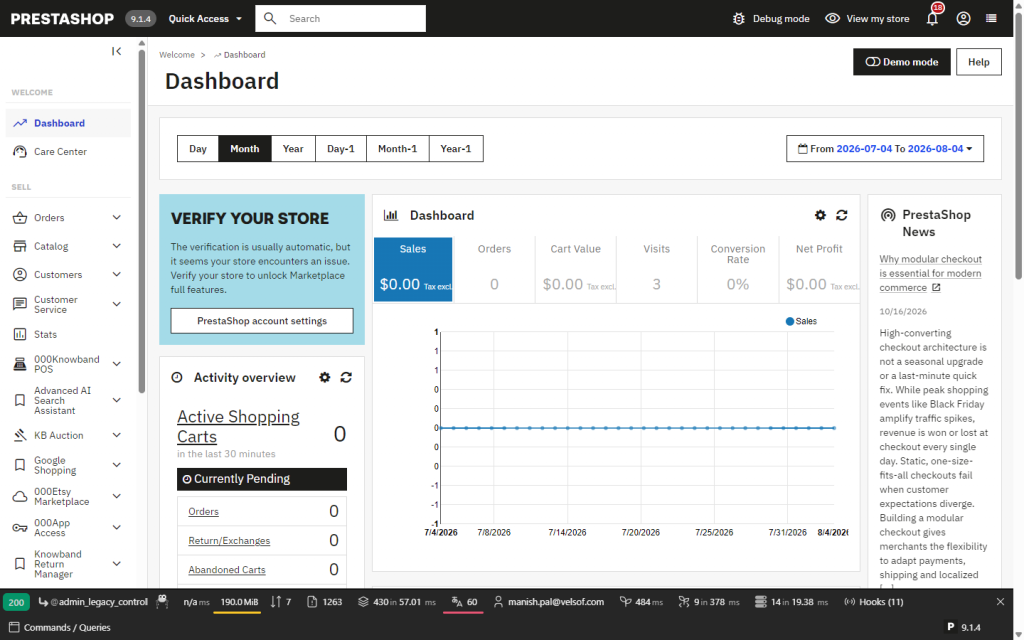
The store’s dashboard. Core pages and module pages alike run through the same PHP process.
None of those menu entries can see the PHP binary underneath. To find out what’s actually running, open Advanced Parameters → Information.
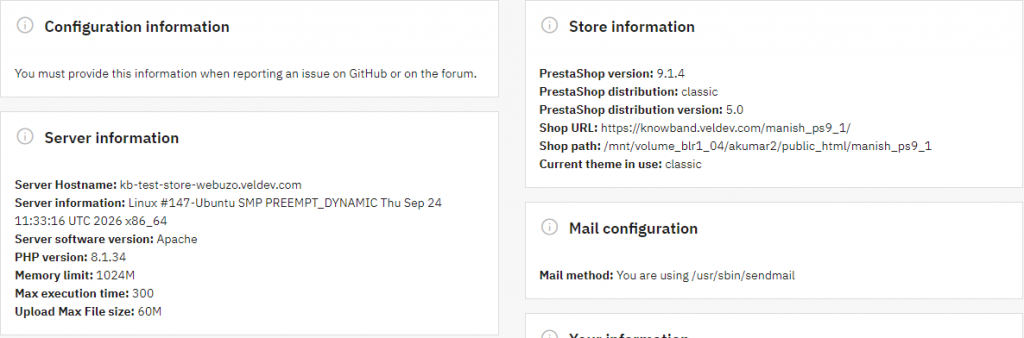
Back Office → Advanced Parameters → Information. The left card is the server layer. The right card is the application layer.
Two lines matter here. PHP version: 8.1.34 comes under the server and will be set by those who manage the hosting. Version PrestaShop: 9.1.4 and current theme: classic come under the application and may be modified through the Back Office. The Back Office displays the PHP version but gives you no button to change it. That’s by design, because PHP isn’t part of the shop.
Why Updating PrestaShop Modules Doesn’t Patch a PHP Vulnerability
The two October flaws make a good case study, because both sit squarely in the engine.
- CVE-2026-109618 is an out-of-memory problem. If PHP runs out of memory while it’s still setting up internal request data, the cleanup step may treat that half-built data as valid.
- CVE-2026-109619 is a leftover-state problem. Internal request data can outlive the memory that backed it, and a later request on the same PHP worker may pick it up before it’s reset.
The PrestaShop project’s advisory states that neither bug is in PrestaShop or its modules. There are three reasons a module-side fix is impossible.
The attack can land before your code runs
Modules are PHP scripts that run only after PHP has processed the request and set up the memory and script for execution. Any vulnerability in the way PHP constructs the request or handles cleanup can trigger before any line of the modules or core code executes. A module can’t defend against something that happens before it exists in the request.
Your module vendor doesn’t control your PHP
A module ships PHP source files. It doesn’t ship the interpreter that reads them. The interpreter is a separate program installed by your host or sysadmin and replaced through the server’s own package process.
“Compatible with PHP 8.x” is not “protected from PHP 8.x bugs”
This is the most common mix-up. A compatibility note means the module’s code runs correctly on that PHP version. It says nothing about whether that PHP build has been patched. A module can be fully compatible with PHP 8.3 while the store runs a vulnerable 8.3 release.
Who Can Fix PHP Security Issues on a PrestaShop Store
It resides wherever PHP has been installed, so the first thing to consider is who manages it. The affected systems include PHP-FPM, Apache with mod_php, php-cgi, FrankenPHP, and LiteSpeed, of which mod_php poses the most risk.
| Hosting type | Who controls PHP | What to do |
| Shared hosting | The host | Ask for written confirmation that both CVEs are fixed and PHP was restarted |
| VPS or dedicated server | You or your sysadmin | Update PHP (or the distribution package) and restart all PHP processes |
| Docker | Whoever builds the image | Rebuild on a patched PHP image and redeploy |
| PHP 8.1 or older | Nobody upstream | Use a vendor-patched package, or move to a supported version |
The fixed releases are PHP 8.5.12, 8.4.27, 8.3.36 and 8.2.35. PHP 8.1 and older no longer get regular updates from the PHP project. Minimal backports were published for 7.4, 8.0 and 8.1, and many Linux distributions and long-term-support vendors ship patched packages.
The restart step people skip
Having an updated PHP package is not enough. PHP workers run in such a way that the old code stays in memory until they are restarted hence, the server might have the correct version of the software on the hard drive but be running the outdated one.
Why the version number can mislead you
Some distributions patch PHP quietly and leave the version string alone. An old-looking number doesn’t mean there’s a problem, while a new-looking one doesn’t mean there’s no problem. The reliable evidence is a written answer from the host naming both CVEs.
According to the above shop, it uses 8.1.34, which is not a supported branch without any update available for it from upstream. The appropriate step would be for this particular shop to verify the patch status of this particular distribution in writing and migrate to a supported branch.
Where Modules and Themes Still Add Risk
None of this makes module and theme updates optional. These have vulnerabilities of their own, which include bugs in their own source code, such as SQL injections, insecure file uploads, and no access controls. This is done by upgrading the module or theme through the Back Office.
The module management is done using the option ‘Modules’ -> ‘Module Manager’, and each module displays its own version and developer. The Tabs Alerts & Updates on this site list the modules requiring attention.
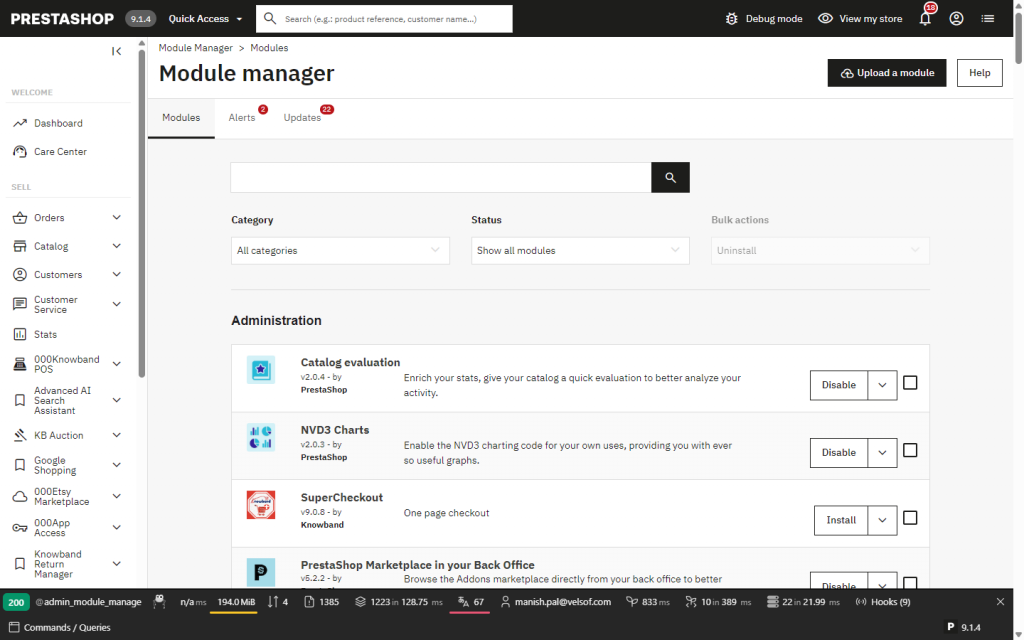
Module Manager. This holds true for each module, where there is a version independent of the PHP version.
Themed modules are similar. The Theme & Logo page determines how things will appear to the customers, and does not affect PHP at all.
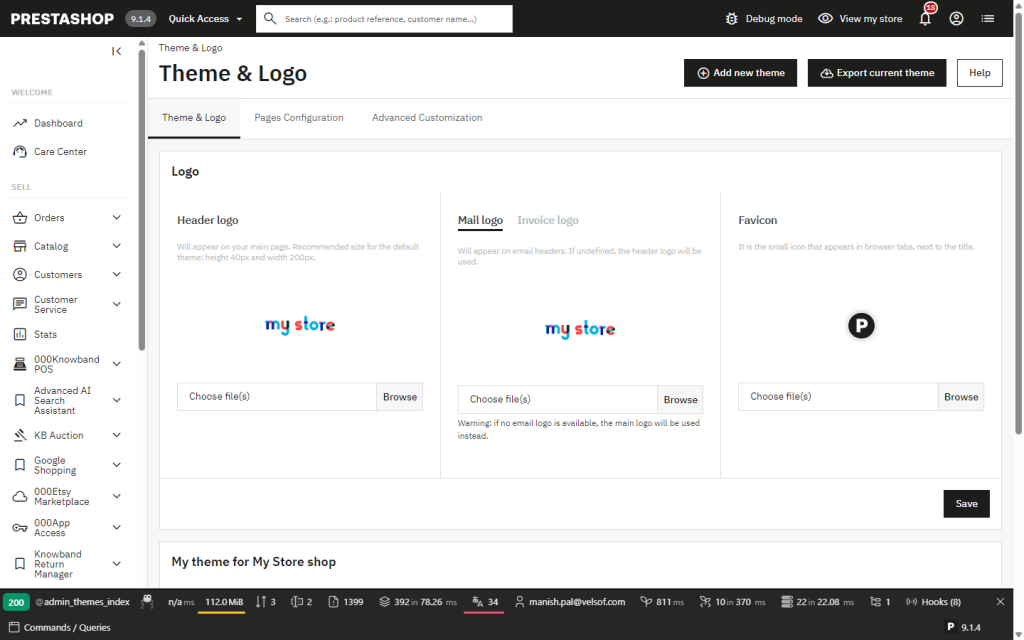
Design → Theme & Logo. Branding and theme settings live here.
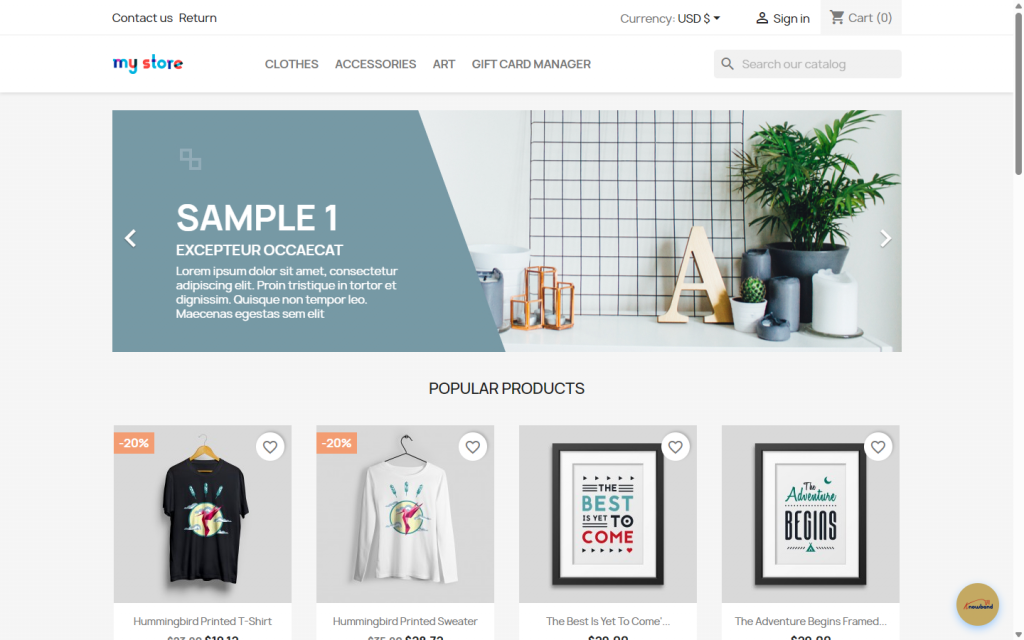
The front office shoppers see. Every product page on it is generated by PHP on each request.
The issue comes down to ownership of the solution.
- Bulletin names a module or theme: update it.
- Bulletin names PrestaShop core: update core, ideally on a staging copy first.
- Bulletin names PHP: the action belongs to whoever runs the server.
The merchant, if he is only looking out for updates to his modules, will not be able to spot the third type since it never comes through in the Back Office. Make sure that you know the bulletin’s target before hitting the Update button.
Temporary Measures While You Wait for the PHP Patch
PHP’s own position is that no mitigation is complete and updating is the only safe route. The measures below narrow exposure for a few days. Test them on a staging copy first.
| Measure | Notes |
| Lower post_max_size to 8M (32M if uploads are needed) | Keep upload_max_filesize below it and add matching limits at the web server or proxy |
| session.upload_progress.enabled=0 | Must go in php.ini, the FPM pool or server config. ini_set() and .user.ini won’t apply it. Restart workers |
| fatal_error_backtraces=0 | PHP 8.5 only. Restart workers |
| memory_limit=-1 via php_admin_value | Admins only, and only with a container or cgroup memory cap enforced. Avoid RLIMIT_AS and RLIMIT_DATA |
| Hiding errors (display_errors, error_reporting) | No protection at all |
A web application firewall is a sensible extra layer, and Cloudflare, for one, published rules for this pair. It has two limits. It only sees traffic routed through it, so the origin should refuse anything not coming from the firewall provider. And modified payloads can still get through. Consider this as a seat belt, not a fix.
If you can’t patch at all yet, the European guidance raises isolating the exposed application from the public network. For a live shop that’s drastic, but it’s good to know it’s an option.
A Ten-Minute PHP Security Check for Your Store
- Find the PHP version. Back Office → Advanced Parameters → Information.
- Identify who manages PHP. Shared host, your own server or a container image.
- Send one written question. “Are our servers patched against CVE-2026-109618 and CVE-2026-109619, and were all PHP processes restarted afterwards?” Keep the answer.
- Check compatibility before upgrading. PrestaShop 9 supports PHP 8.1 to 8.5, so a newer PHP is usually possible, but test your modules and theme on a copy first.
- Put the date in the calendar. PHP 8.2 reaches end of life on 31 December 2026, so 8.3 or newer is the better long-term target.
Don’t treat this as a reason to rush a major PrestaShop upgrade. That’s a project of its own and a longer one. Patch PHP now and schedule the PrestaShop upgrade separately. Also expect a newer PHP to expose old code: deprecated functions and stricter type handling are common causes of module errors, so test every module on a copy before touching production.
Preparing Your Knowband Modules for a PHP Upgrade
Once the PHP security issue has been addressed, the next step is to check your store’s modules, theme, and customisations before changing PHP versions.
Knowband modules are developed to support compatible PrestaShop and PHP environments. However, compatibility can vary depending on the module version, your current store setup, and the target PHP version. Before upgrading, we recommend reviewing your installed modules and testing your store on a staging environment.
Need help preparing your store for a PHP upgrade? The Knowband team can assist with module compatibility checks and a pre-upgrade assessment on a test copy of your store. Contact us at [email protected] to discuss your requirements.
Conclusion
PrestaShop store PHP flaws are a server side issue that requires a server side solution. The modules, the theme, and even the core depend on PHP; thus, there is nothing else that can solve this problem. Confirm the version of PHP, make sure that the workers have been restarted by the owner of the server in writing, and then you can proceed with the upgrade.
Sources
- Announcement from PHP official (October 2026): https://www.php.net/archive/2026.php
- Knowband Prestashop Security Advisory:
https://www.knowband.com/blog/prestashop-blog/critical-php-vulnerabilities-updates-2026/ - PrestaShop bulletin, PHP security updates: https://build.prestashop-project.org/news/2026/php-security-updates-october-2026/
- Joint statement by the EU (ENISA) on critical PHP vulnerabilities: https://www.enisa.europa.eu/news/joint-statement-on-critical-php-vulnerabilities


)